
Multi-Location and Chain Management
All your venues, one account
Whether you run two bars or ten restaurants, manage menus, prices, staff and analytics for all of them from the same place, and drill into each venue as much as you need.
One user, several venues, no duplicated work.
Benefits
Why restaurant groups and chains use it
One account for every venue
Log in once and switch between locations in seconds, without logging out or juggling separate passwords.
A shared menu or a menu per venue
Set a base menu for the whole chain and adjust dishes or prices at the venues that need it, without redoing the work from scratch.
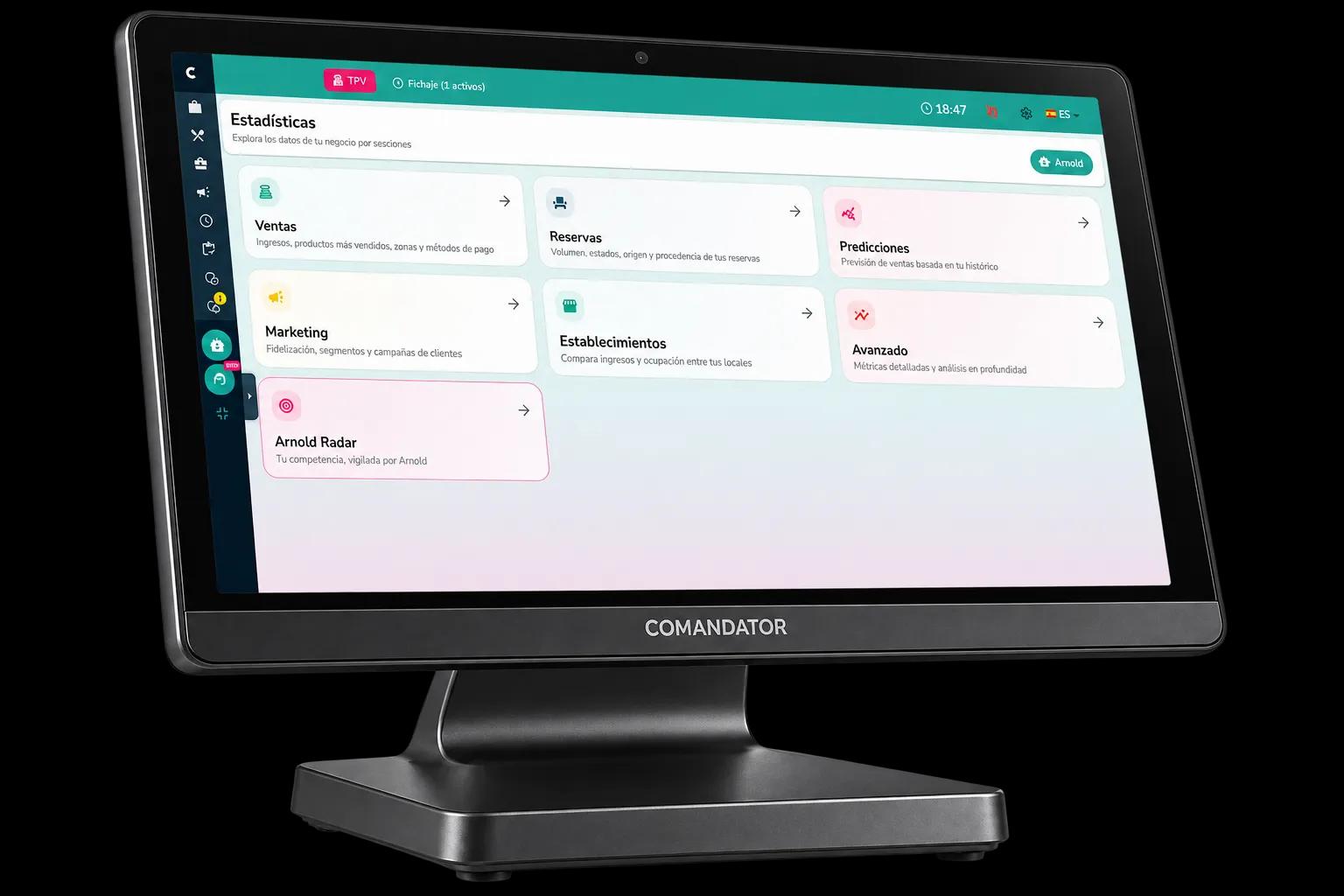
Analytics per venue and combined
See how each restaurant performs on its own or the total for the group, to compare which venue is pulling its weight and which needs attention.
Permissions per venue
Each manager sees and runs their own location, while you keep the full picture of every venue from your account, without over-sharing access.
Faster setup for new venues
Opening a new location? Start from another venue's setup instead of from zero: menu, zones and settings you can replicate.
How it works
How a restaurant group is organised in Comandator
- 1
You add each venue
Every location has its own settings, tables and team, inside the same chain or group account.
- 2
You assign users and permissions
Each venue's staff only see their own location, while owner or management profiles can see them all.
- 3
You manage the menu your way
Keep one shared menu for the whole chain, or let each venue adjust its own dishes and prices.
- 4
You check results per venue or combined
From the analytics dashboard, choose to view a single restaurant or the aggregated summary for the whole group.
In detail
What multi-location management includes
FAQ
Frequently asked questions about multi-location and chains
Can I have a different menu at each restaurant?
Yes. You can keep one common base menu and adapt dishes, prices or availability at each venue for its area or customers.
Can staff at one venue see another venue's data?
No, unless you decide otherwise. Permissions are set per venue, and only management profiles see the whole group.
Is it complicated to add a new venue to the chain?
No. It's added as another venue inside your account, and you can start from an existing venue's setup.
Related features
Everything connects: these features work alongside this one.
Bring your chain into one dashboard
Create your account and add your venues whenever you're ready, with no duplicated work.